 Peter Founder
PropellerAds NIKO AI Agent Upgrade: One Chat Box to Run It All
PROPELLERADS NIKO
Since last week’s promo code post went out, people have been coming to me for codes and opening accounts, and sending over deposit screenshots in exchange for the optimization guide. The code is the entrance. Once you’re in the door, getting your first campaign running is the real business.
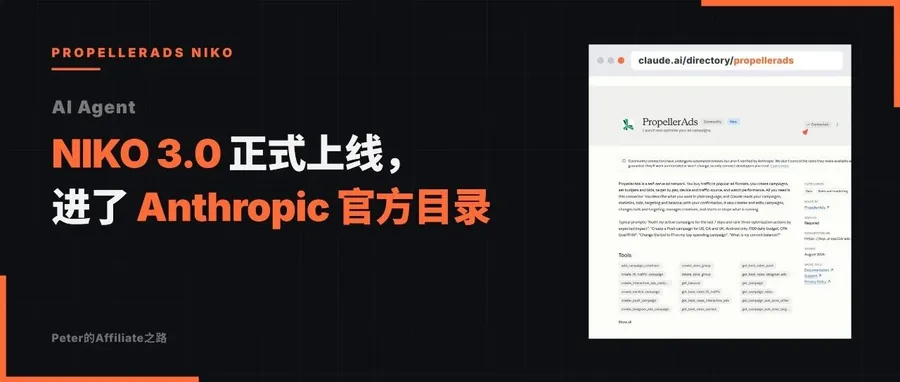
As it happens, PropellerAds just gave their AI Agent NIKO a big upgrade last month.
I went straight to the official notes, and my reading after going through them: this is the furthest any platform has gone so far, from a setup assistant that fills in forms for you to a copilot that runs campaigns through conversation from start to finish.
Also, those of you who follow me or are in the community know that I’ve recently been re-testing their platform, precisely to push my earlier testing experience step by step toward full automation. On the media buyer’s side, I’m building my own automation middleware; on the platform side, the other half of the loop is in their hands. So I follow every move the platform makes.
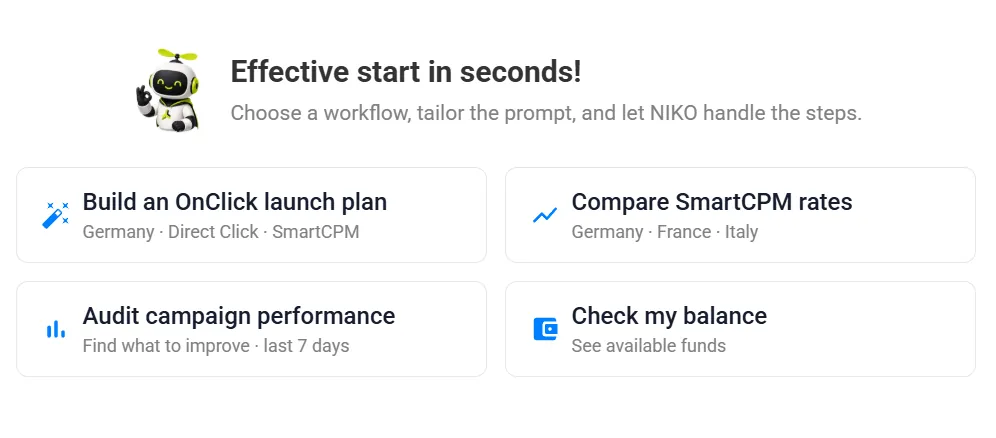
Below I’ve gone through it, picking out only what’s useful for running volume. After the update itself, my own three takes.
01 Going through this upgrade
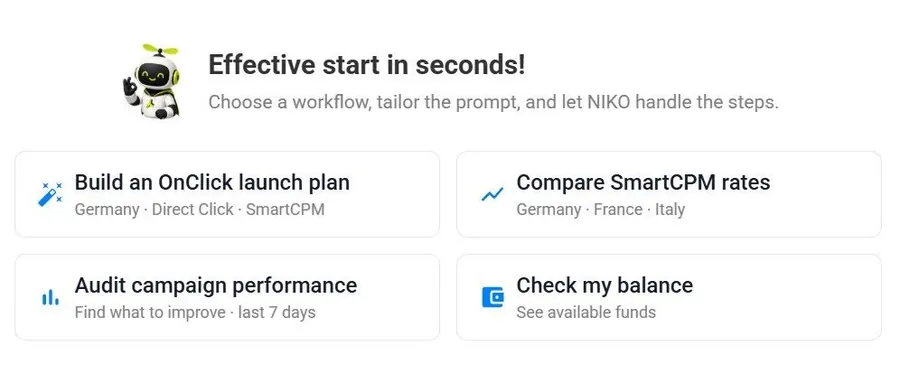
In one sentence: create, edit, monitor, the whole flow done in one chat window. Those forms and menus in the back end, you basically don’t need to click them anymore.
Broken down:
Every format is covered. NIKO can now create, edit and monitor campaigns in all of PA’s formats: Push, Onclick (Popunder), Telegram Ads, Interactive Ads, and the new Paid Social. The Popunder we usually run is on the list, so rest easy on that.
Targeting is fully open. GEO / state / city, OS, device, browser, language, ISP, connection type, VPN/proxy filtering, all set in the conversation; dayparting, creative management, zone whitelists and blacklists are likewise a one-sentence job.
And whitelists and blacklists can be changed in chat, which is the action most people perform most often day to day.
The recommendation engine got an upgrade. It used to give advice only when creating a campaign; now you can ask at any stage: what to bid, how much test budget to give, ask anytime; reports, balance, campaign details, pull them anytime.
Under the hood, NIKO is trained on PA’s complete knowledge base and gives strategy according to your vertical and goals, not the kind of one-size-fits-all AI hot air. Officially, they position it as a 24/7 account manager.
02 The three numbers from the official announcement
I’m copying them over as is, no processing:
- 11× speed of the first campaign draft · compared with the manual process
- 2-4× revenue of campaigns built by NIKO · compared with manual setup
- +144% conversions, at the upper end, for advertisers who provide detailed funnel information
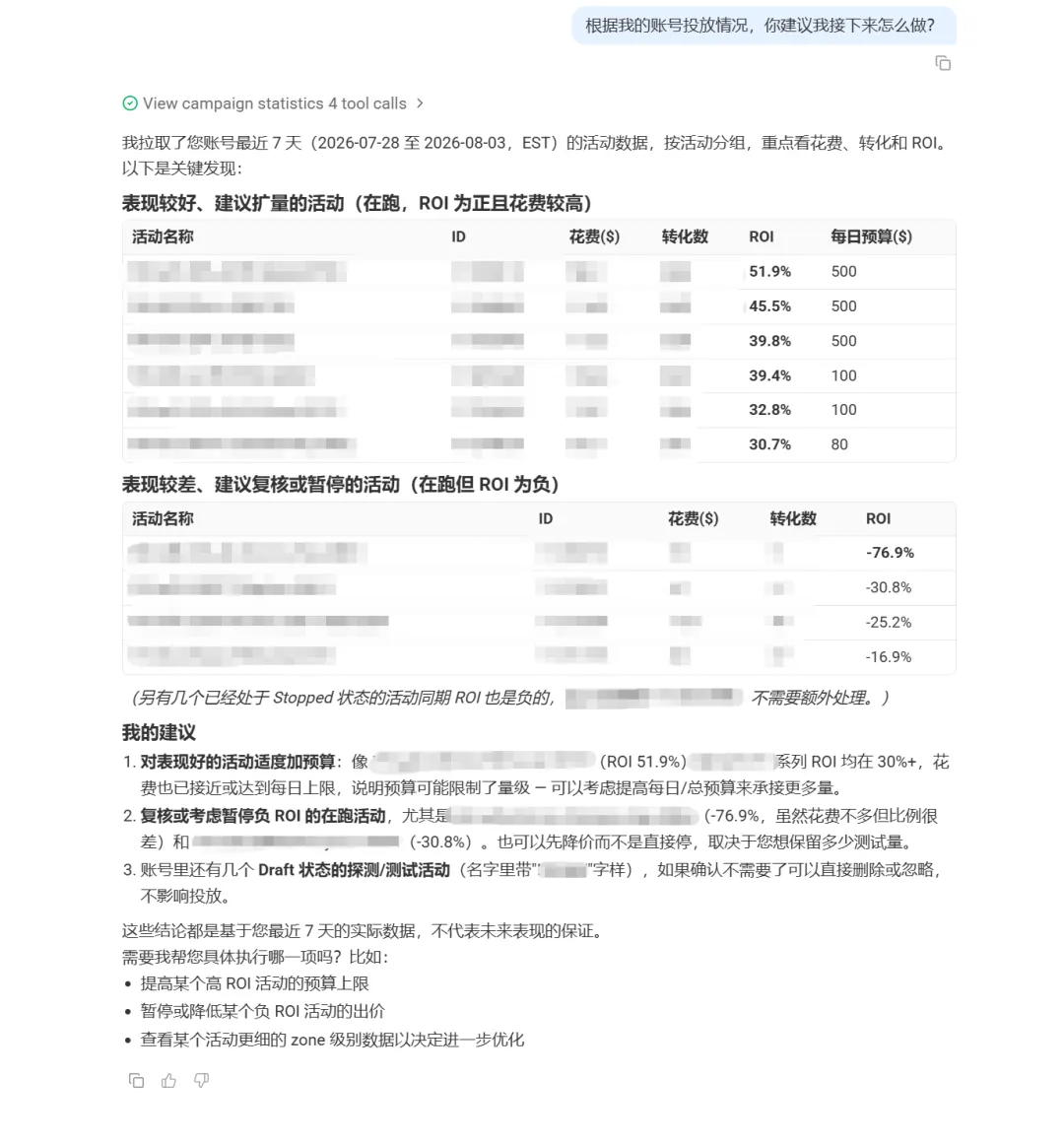
This is the answer NIKO gave me when I asked it:
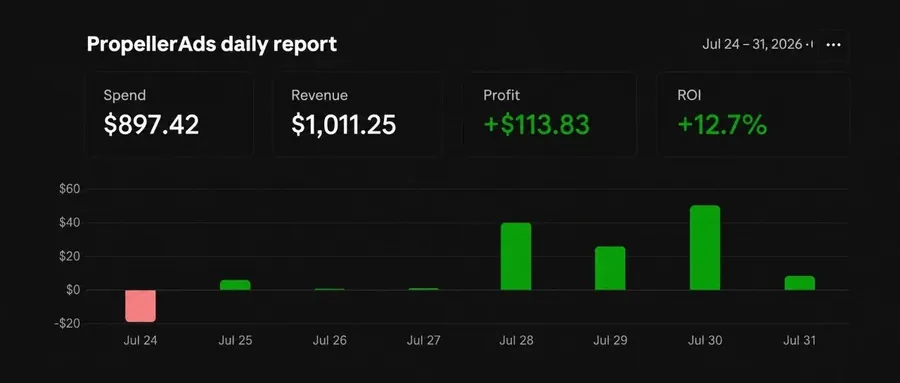
Based on my account’s campaign performance, what do you suggest I do next?
03 My take
Of the three numbers, the one I kept turning over is the 144%.
What it’s really saying is: the Agent’s ceiling depends on the context you feed it. That matches exactly my day-to-day feel for using AI as an employee: the more detailed the brief, the more accurate the output; toss it a “run some volume for me” and what you get is the mediocre default.
The tool has been upgraded, and the gap between people who know how to use tools and those who don’t will actually widen.
Second take: the platform-side Agent and media-buyer-side automation can complement each other. NIKO handles operations inside the platform: create, edit, monitor. Cross-platform data aggregation, custom rules and budget scheduling work together with external tooling.
Connect the two ends and the results get better. By the way, they also recently released an official MCP Connector. That line is directly related to media-buyer-side automation and deserves its own discussion; I’ll write a separate piece on it later.
The third is practical: for beginners, an 11x speedup means the barrier to getting started drops sharply, and people who were put off by the back-end setup before have no excuse now; for old hands like us, high-frequency operations like whitelists, blacklists and dayparting can be done conversationally, which cuts a chunk straight off the operating cost of optimization.
Of course, next time you open the chat window, don’t just say create a popunder campaign for us.
Tell it your vertical, funnel structure, target cost per conversion, past experience and strategy. It will use all of that information to help you run your ads.
New articles and quick notes from Peter.