
AdsPower
Antidetect browser with an isolated profile for each account
Good for
- Teams running many ad, store or social accounts from one computer
- Anyone who wants to batch-run profiles through RPA, the API or MCP
Not for
- Fraud, impersonation or any other illegal use
- Needing the Local API or team members while staying on the free plan
How you pay
Free-forever plan available; paid plans are tiered by profiles and team members and billed monthly, quarterly or yearly, with custom enterprise pricing.
What it is
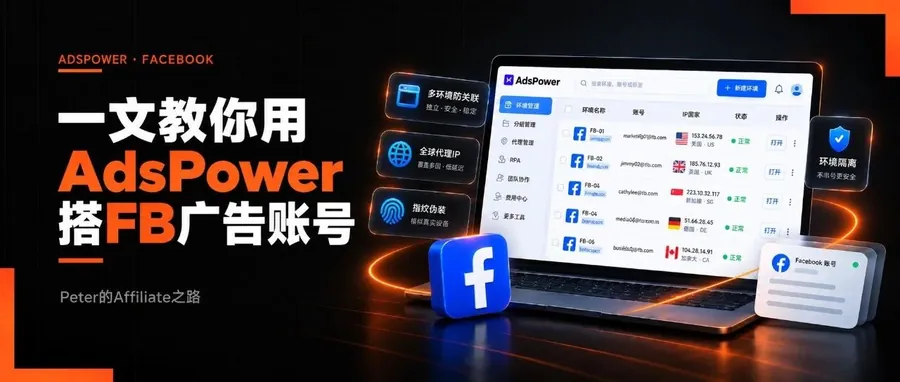
AdsPower is a multi-account (antidetect) browser that gives each account its own isolated profile, with separate cookies, fingerprint and proxy. It adds team permissions, RPA, a Local API and MCP, and the free plan keeps 2 profiles forever.
Quick facts
- What it is
- Multi-account browser: one isolated profile per account, each with its own cookies, fingerprint and proxy.
- Browser cores
- SunBrowser (Chrome-based) and FlowerBrowser (Firefox-based); desktop and mobile OS fingerprints.
- Proxies
- Per-profile HTTP, HTTPS, SOCKS5 or SSH proxies; official proxies can also be bought inside the app.
- Teams
- Administrator, manager and employee roles, access granted by profile group, with login and action logs.
- Automation
- RPA flows can run on a daily, weekly or monthly schedule; the Local API and MCP let scripts or AI tools like Claude open and close profiles.
- Free plan
- 2 profiles forever, no team members; no Local API, batch management or restoring from Trash.
- Paid plans
- Professional comes in 10, 20, 50 or 100 profiles, Business lets you set the count; 15% off quarterly, 40% off yearly.
- Refunds
- Paid plans are not refundable once bought; to stop renewal, notify AdsPower 2 working days before expiry.
Sources: AdsPower website · AdsPower help center. Checked against official AdsPower pages on 2026.11.02. Rules change, so check the official site.
FAQ
Is AdsPower free?
The free plan never expires and includes 2 profiles; there is also a 7-day free trial that needs no card and is not charged when it ends. If you buy a plan later, the 2 free profiles are added on top.
Can AdsPower connect to AI tools?
Yes. The official Local API MCP server works with Claude Desktop, Cursor and other MCP tools to create, open and close profiles; the AdsPower desktop app must be running, with Node.js 18 or later installed.
Which systems does AdsPower run on?
The desktop app runs on Windows 10, macOS 11 (Big Sur) and Ubuntu Desktop 22.04 or later, with at least a dual-core CPU, 2 GB of RAM and 2 GB of free disk; there is also an iPhone app.
My take
I use AdsPower for my TikTok and Facebook ad accounts: one profile per account, grouped by platform. The time zone and language settings on the fingerprint page deserve the most time, and do not skimp on the proxy, or the rest of the setup is wasted.
How I run it
- On the proxy tab I pick Integrated proxy and choose a connected provider from the drop-down; it gives a SOCKS5 line, so no typing host, port and credentials.
- On the 2 free profiles I go through building the profile, setting the proxy and fingerprint and checking the proxy, watch an unimportant account for a few days, then move real accounts in.
Watch out for
- After entering a proxy, click Check proxy and look at the exit IP and location; if the proxy does not work, everything set up after it is wasted.
- For Facebook, use residential or ISP proxies; datacenter proxies are cheap but easily trigger verification.
New articles and quick notes from Peter.
Related articles 3
About AdsPower 3
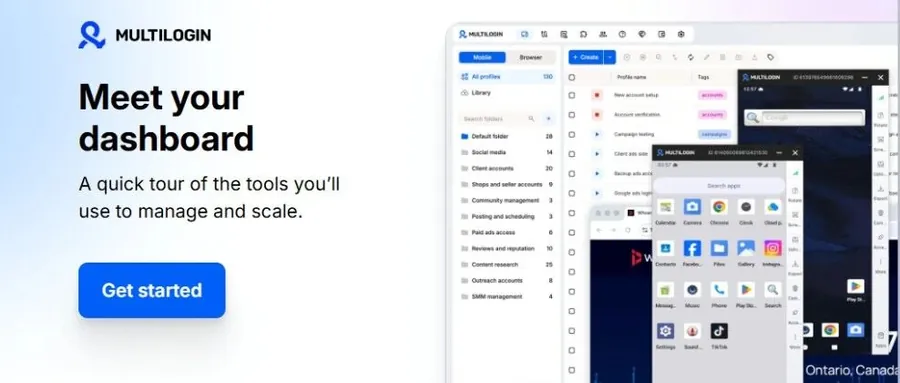
I tested Multilogin's free plan: built-in IPs you can pick down to city and ISP, Mimic and Stealthfox engines, cloud phones, paid plans from $7.08 a month.
AdsPower Antidetect Browser: My Must-Have Tool for TikTok Ads
How I set up AdsPower, the antidetect browser that keeps my TikTok ad accounts stable: profile, proxy, fingerprint and launch. Two profiles are free.
The AdsPower name and logo belong to their owner and are used here only to identify the product. To correct or remove this page, email support [at] affnomy.com.