 Peter Founder
Zeydoo MCP: Let an AI Assistant Handle Your Publisher Account
Zeydoo MCP
Hi, I’m Peter.
I’ve shared the PropellerAds and ProPush MCPs before. Today I’m adding the third piece: the Zeydoo MCP.
Checking stats used to mean opening the dashboard, exporting a CSV file and doing the math yourself: comparing rates and estimating how much more revenue a traffic increase would bring.
Now you just ask one question:
How much did I make last week, and which offers lowered their rates? Or any similar question.
The Zeydoo MCP connector plugs your publisher account into an AI assistant. The assistant calls the API itself, pulls the data and answers you in plain language. No exports, no pivot tables, no switching tabs.
Why you’d want it
-
It removes the tedious work. A report that used to take 15 minutes of exporting and merging now takes one question.
-
It digs out the money sitting in plain sight. Within one account, rates can differ more than tenfold, and different offers cover different countries.
Nobody tracks those gaps by hand. The assistant compares every rate table side by side in seconds and tells you which GEO is currently being sent to the lowest-paying offer.
- It helps you decide, not just look at numbers. Ask directly which metrics dropped, why they fell or what happens if volume doubles, instead of digging for the answer in the dashboard yourself.
Affiliate marketing is an industry where every second is money, whether you’re solo or a team.
AI automation makes the daily routine faster, and that in itself is efficiency. Zeydoo MCP is one more thing we recommend adding to your toolbox, whether you’re already an automation veteran or just starting out in media buying.
— Karina Arkhangelskaya, Sales Director at Zeydoo
What the connector can actually do
Four capabilities in total, all read-only. It looks at your account but changes nothing in it.
Statistics
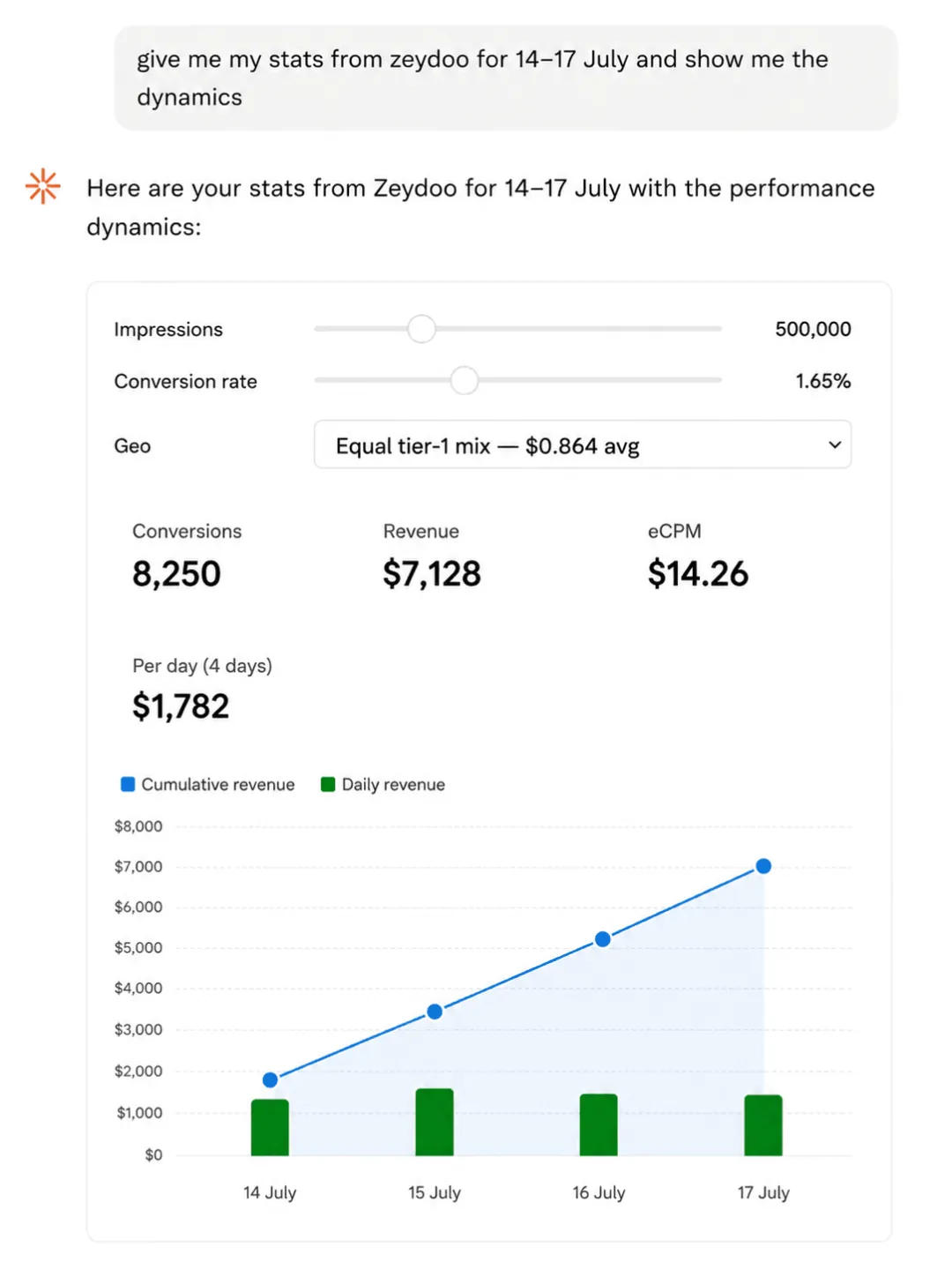
Pull requests, impressions, conversions and revenue for any period. Break them down by day, zone, GEO, platform or your own request variables, filter by specific zones and countries, and get the report in whatever timezone you want.
In practice it works like this: instead of exporting and merging, you say: split the last two weeks by GEO and tell me which zone dropped.
Your offers and rates
Lists your approved offers, each with its full per-country rate table.
This is usually where the overlooked money is. Rates within one account can differ tenfold, and each offer covers different countries, so it’s easy to spend months sending a GEO to the offer that pays the least, or doesn’t even cover it. The assistant compares the rate tables across offers and tells you where the money is leaking.
Offer catalog
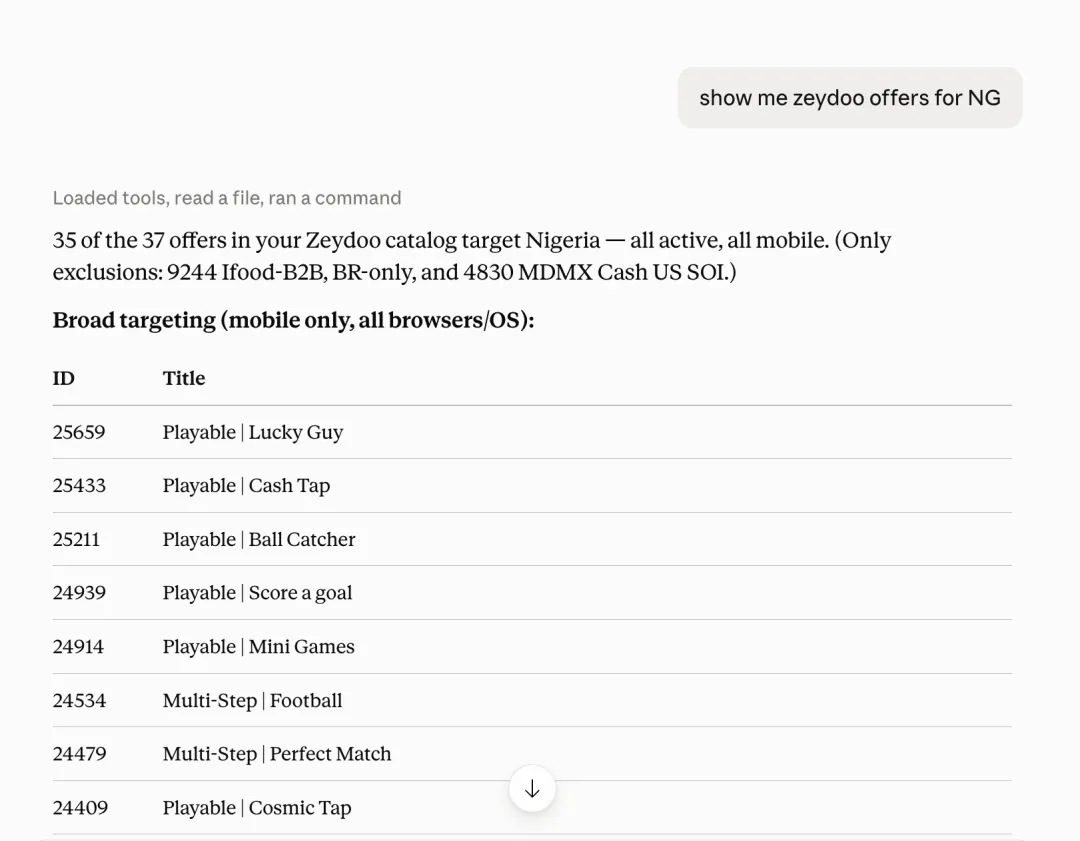
Returns the complete list of offers you can currently apply for. Use it for a quick look at whether there’s something that fits your traffic better than what you’re running now.
Balance
Current balance and the amount on hold, one question, no need to open the interface.
More features are on the way. If there’s a capability you’d like to see in the Zeydoo connector, just tell your AM and they’ll put it on the product roadmap.
How to connect the MCP
There’s a single source address, below:
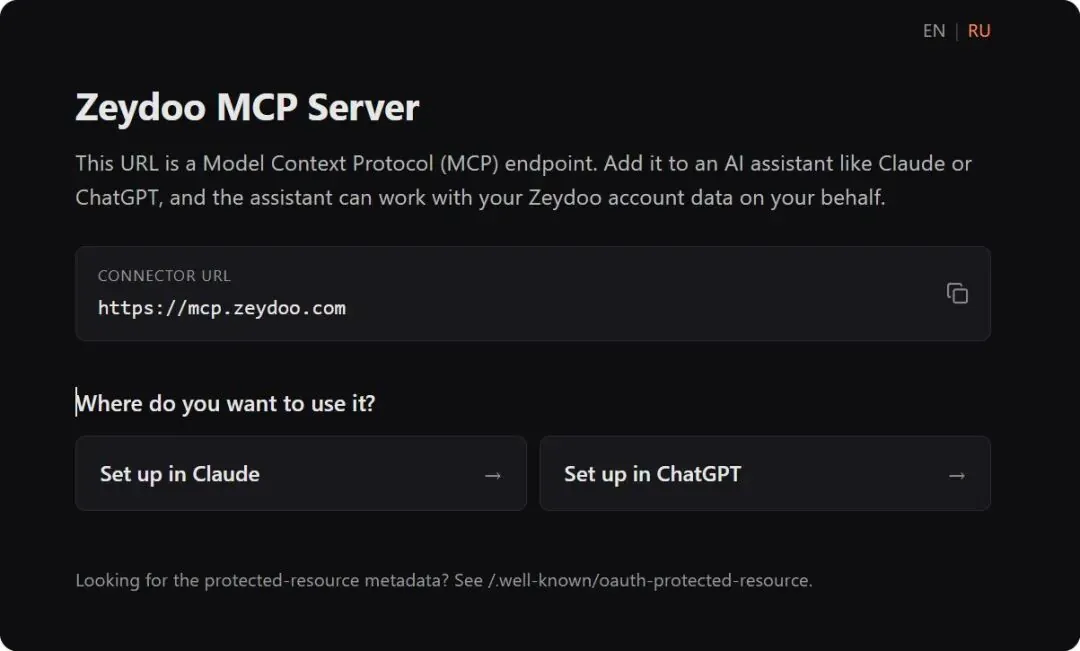
The official setup page, just follow the steps
I added it in Claude Code (CC) and ran /mcp, and propellerads, propush and zeydoo are now lined up together:
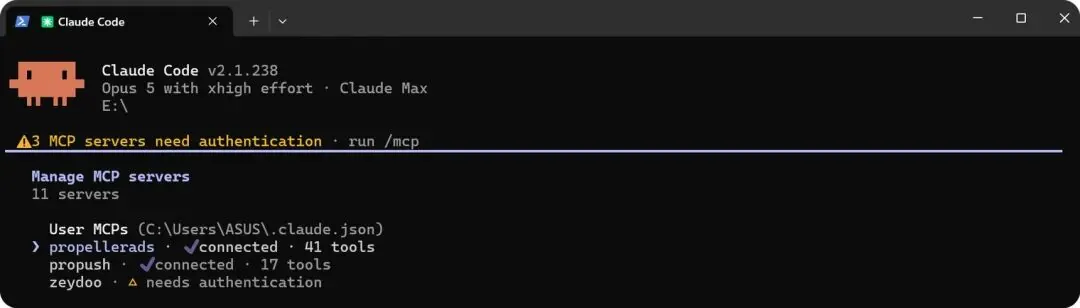
Three connectors in one frame
Select zeydoo to authenticate, and there’s just one permission:
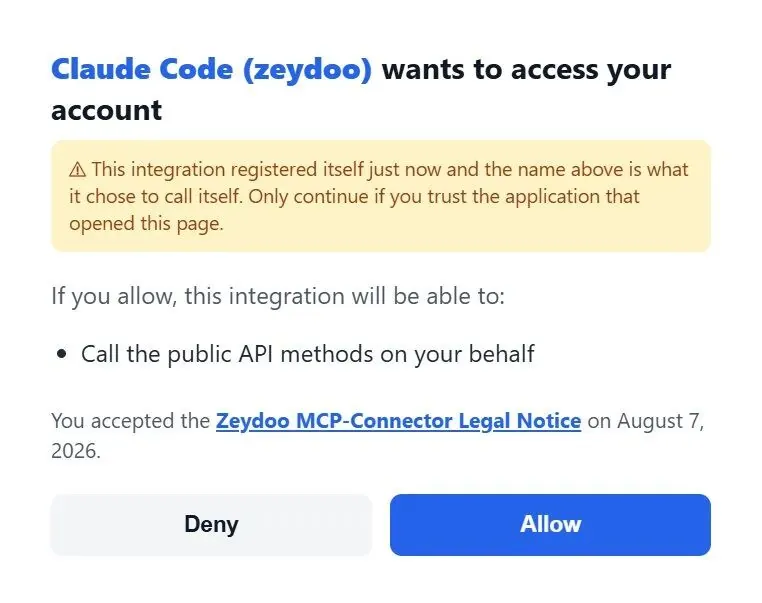
Confirm trust and click Allow
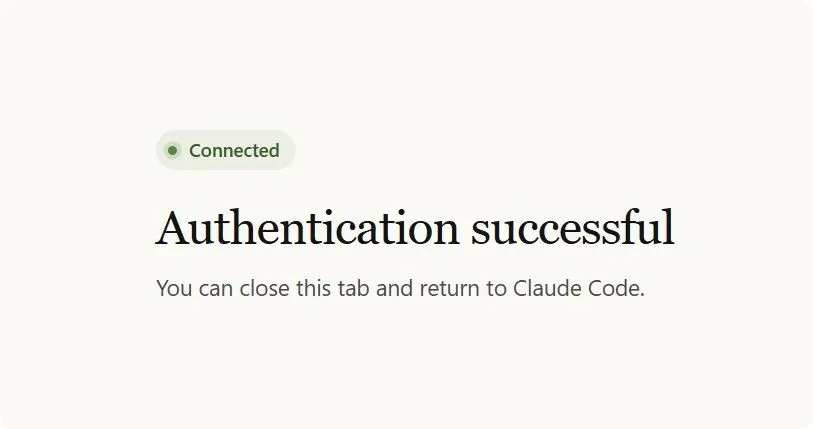
Connected, two minutes start to finish
Example:
FAQ
Is this thing safe?
The connector can’t change anything in your account. All four capabilities are read operations: reports, offers, rates, balance. It has no function that can change settings, touch zones, touch payouts or initiate a withdrawal. Even if you told it to, it doesn’t have the tools.
What can it see?
Only what’s already visible to you in your account: your data, your approved offers and rates, the catalog of offers you can apply for, your balance. Nothing beyond that is reachable: other publishers, the network’s internals, advertiser data, none of it.
Where is my API key stored?
In your AI client’s settings, and it’s used only to make Zeydoo API requests on your behalf. You can revoke it in your account at any time, and access stops immediately once it’s revoked.
Can I turn it off?
Any time. Remove the connector in your client settings, or revoke the API key in your Zeydoo account. Either works.
New articles and quick notes from Peter.